Hi @vegaz, @material-appearance, @nielsm,
I did some investigation and think there‘s a nice solution. Developed based on OF4.x on an iPad. Due to lack of a Mac I haven‘t tested it on Mac.
The plugin SetDynamicDeadlines (at the end of this post) should do what you asked for. What does it do? It looks at active sequential projects, looks at the last completed action‘s completion date and then checks if the succeeding remaining action has a statement like “3d”, “3d @9:30”, “5d @5:30p”, “tomorrow” or “2w” in the first line (2nd if the first line is empty) in its note. You should be able to use any duration supported by OF in its date fields! Specify it without any quotes like „“.
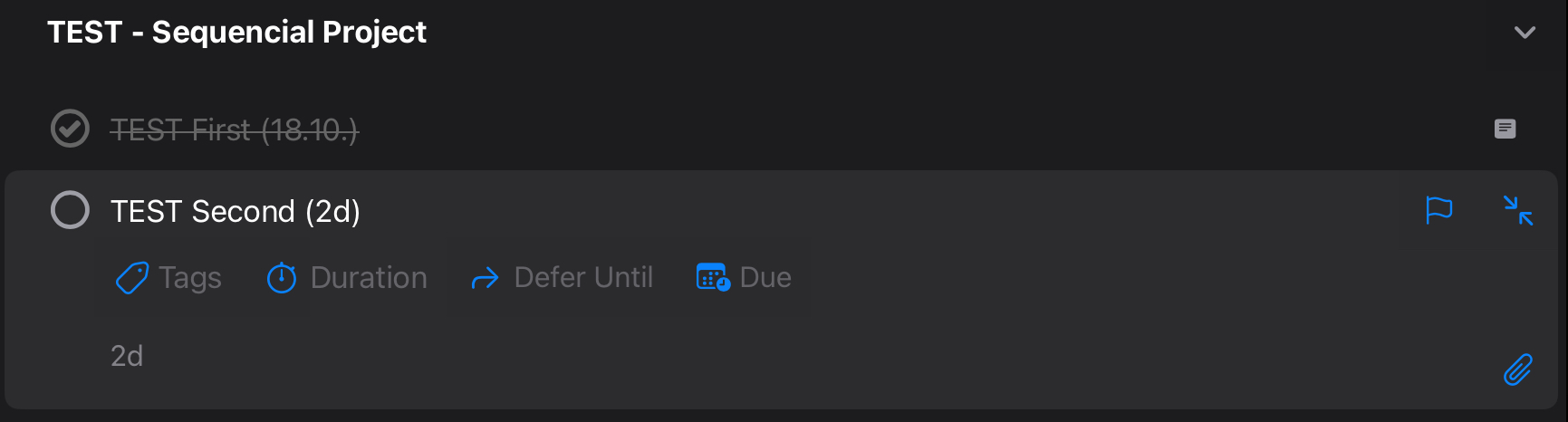
Based on completion date and duration of the note it sets the deadline of the action having the note.
Testing Safeguards
To make sure you can test it safely I built in a name check for the title of the sequential project it should work on. Currently, it just looks at sequential projects with a title starting with „TEST -„ and ignores the others. This is the portion of the code that does this and you may adapt it to your needs for testing.
let sequentialProjects = flattenedProjects.filter(project =>
project.sequential && // Only sequential projects
project.status == Project.Status.Active && // Only active projects (not on hold)
// ADAPT: For testing it looks only at sequential projects starting with “TEST -”
// Remove the following line and the && in the previous line if you are confident the plugin does what you want
project.name.startsWith(“TEST -”)
);
Extension Points
In the plugin code you find sections with the following comment (like shown in the previous paragraph): // ADAPT
This are extension points for you to make simple changes.
Specify a Deadline Time
My duration examples show it is optionally possible to specify the time of the deadline as in these cases:
3d @9:30
5d @5:30p
5d @17:30
In such cases the deadline takes the specified time.
Default Deadline Time
In cases you specified e.g. a duration in days like 5d, then the deadline is set to a default time. I‘ve not taken the effort to check for the default time in OF settings. When I looked at that some time ago I think it wasn‘t possible anyway. If you look out for the following ADAPT section you can set your default time for durations without hours and minutes:
// ADAPT:
// Set to 16:30:00:000 if no time can be derived because you just used e.g. 5d
// This uses military time. E.g. 4:30pm is 16:30 like written here as default
deadlineDate.setHours(16, 30, 0, 0);
How does this work when used in your day to day work?
You can call plugins installed to OF using an Apple Shortcut like this:

Then you update its settings like the following (Allow Running When Locked = on):
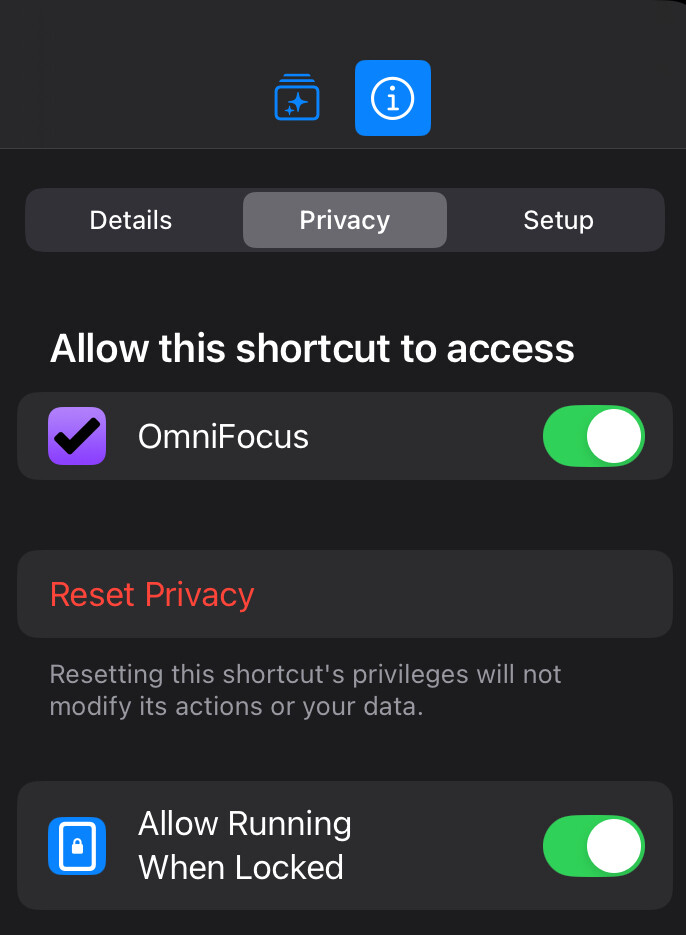
Then you create an automation in Apple Shortcuts triggered by time (like daily in the evening) and turn Automation = Run Immediately:
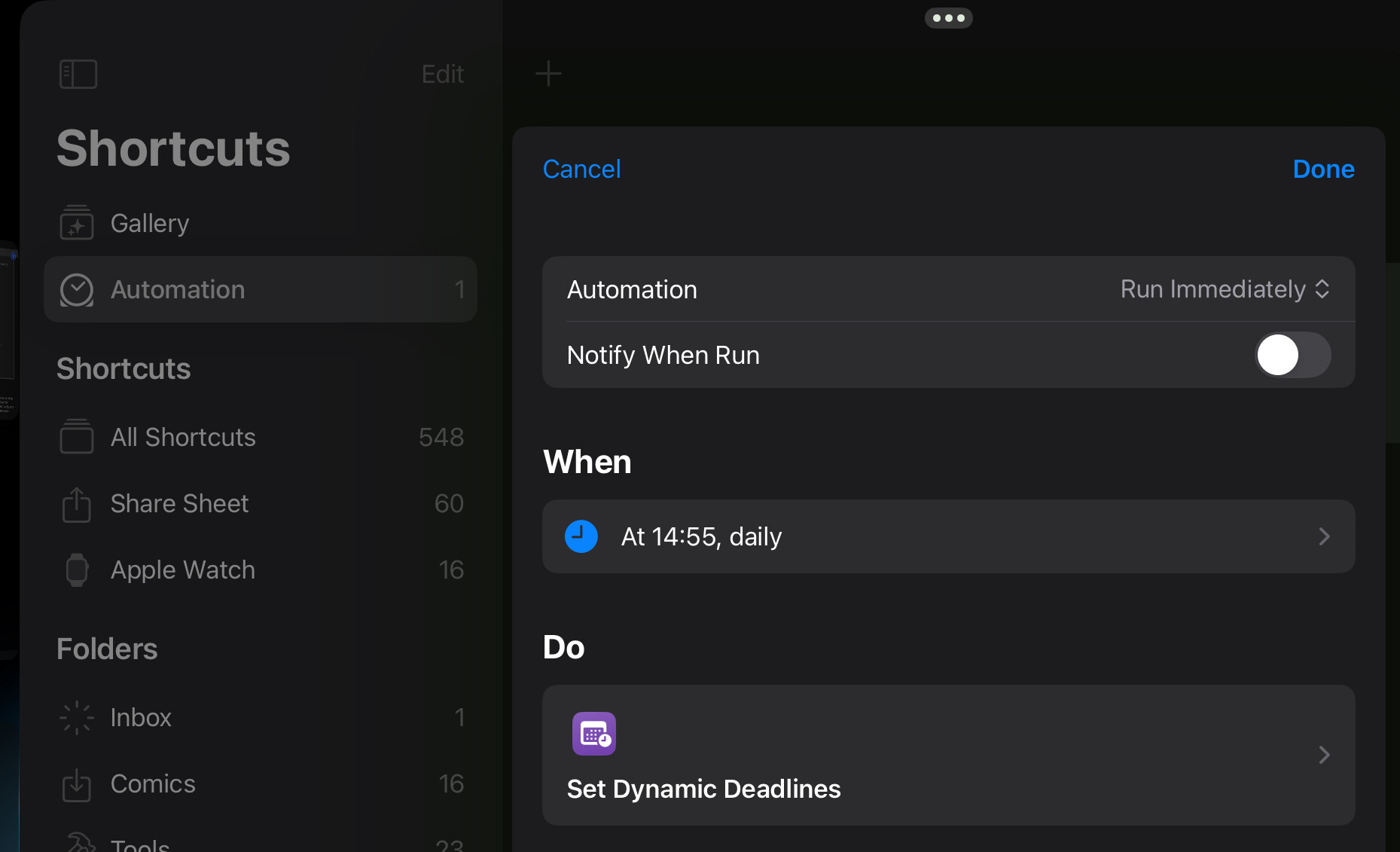
With that you have something that updates the deadlines based on your daily completions. Even if the device is locked, you don’t have to worry remembering running that Apple Shorcut anymore.
Please Perform further Tests
Though, I‘ve tested the due date calculations a lot, there may still be issues in the code for special project situations or deadlines. Therefore, please do some testing of your own and tell me if you find any issue.
SetDynamicDeadlines.omnifocusjs (4.1 KB)
