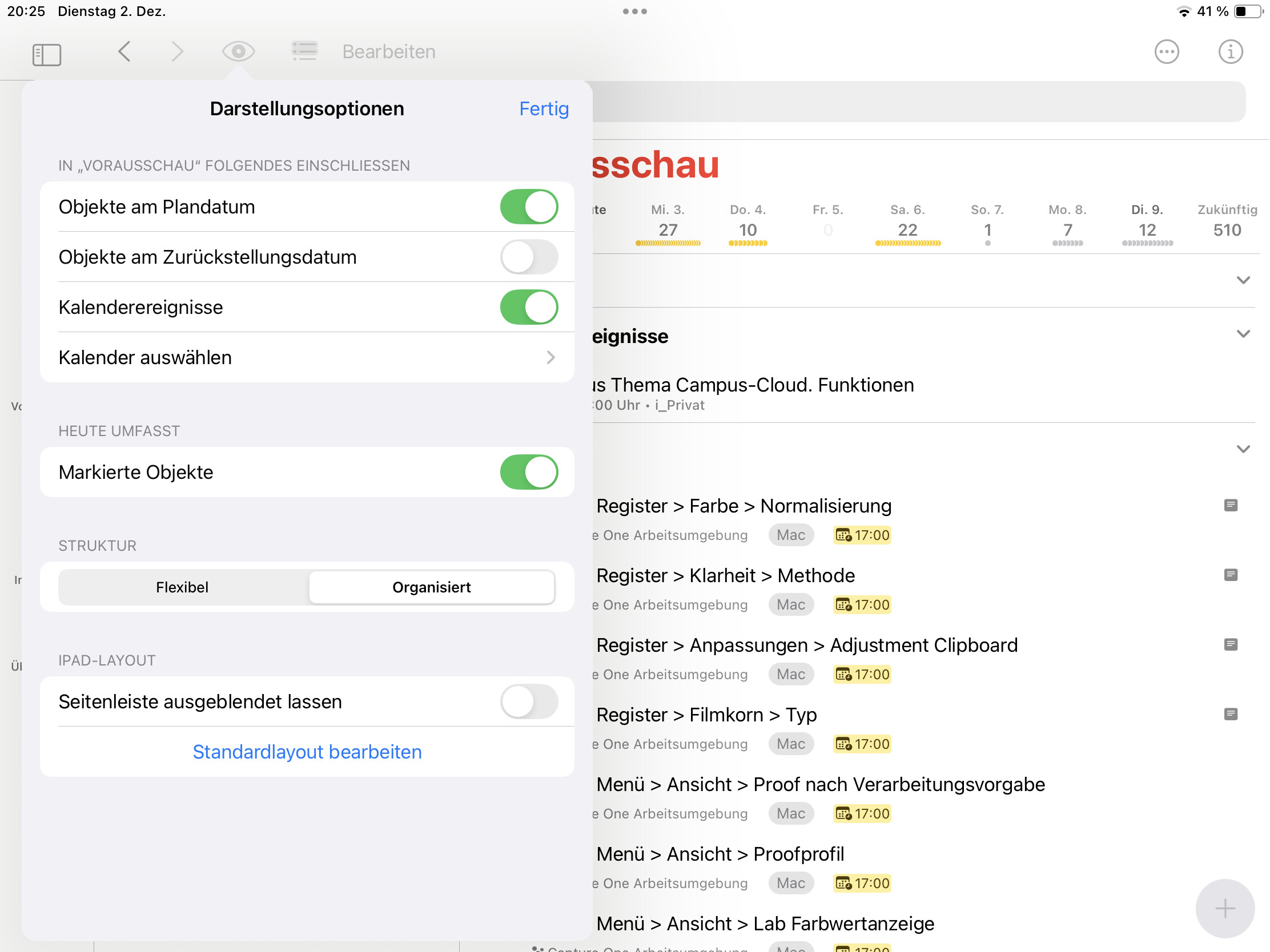
Hello
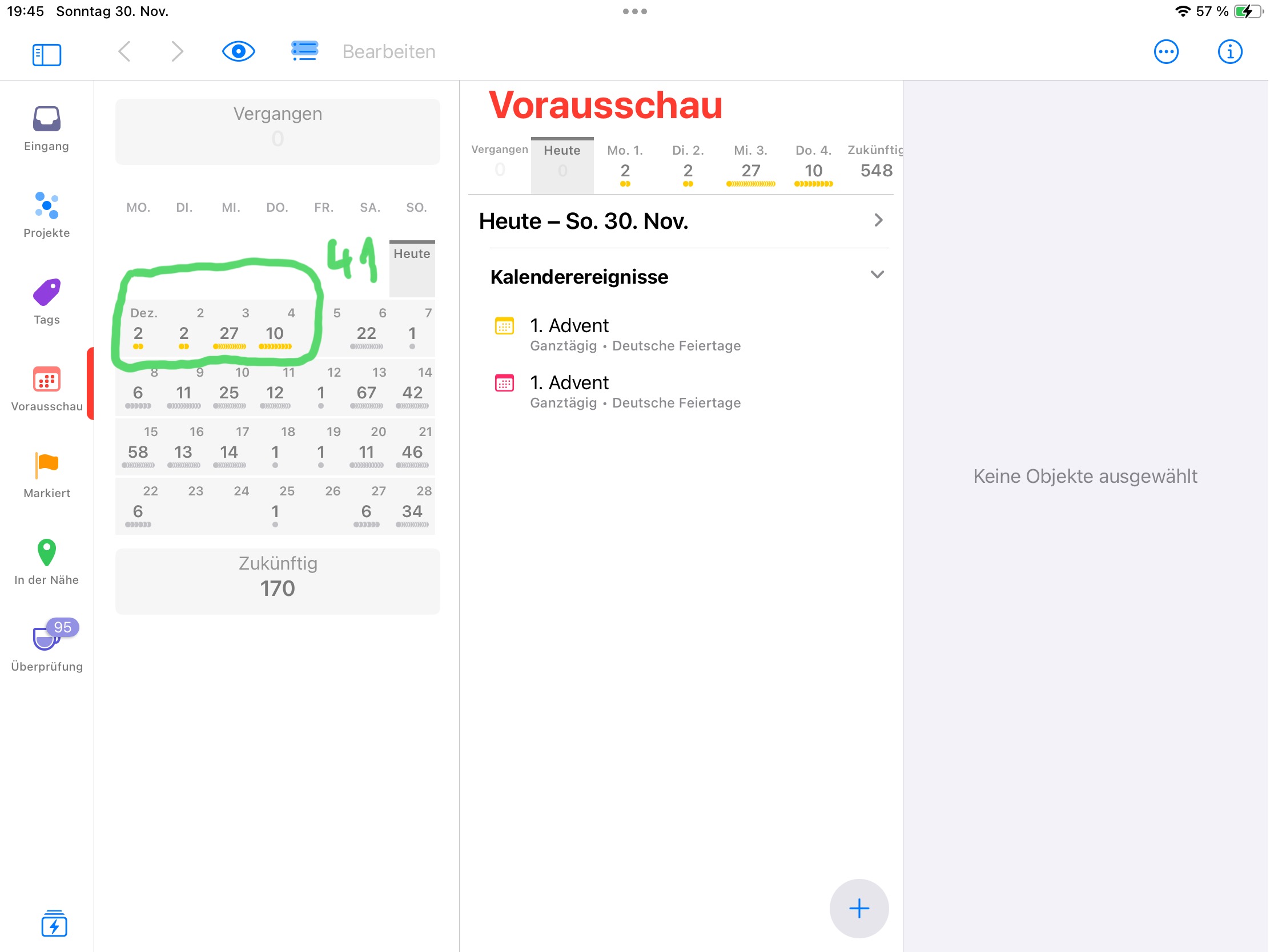
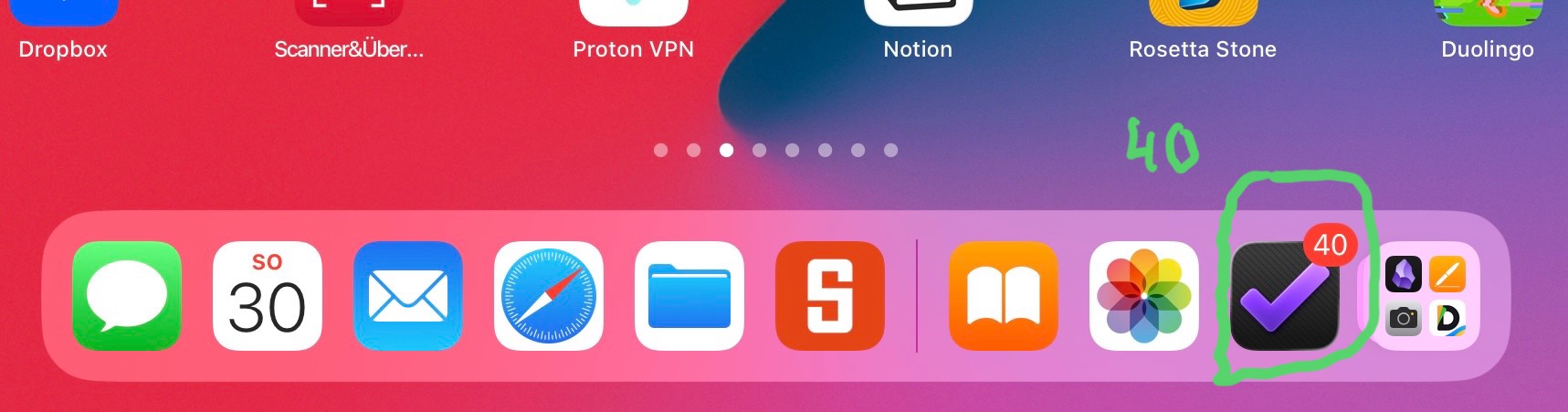
I See in App no. 41. I See on App 40.
Why is it different! See Screenshots.
Jochen
strong text
Hello
I See in App no. 41. I See on App 40.
Why is it different! See Screenshots.
Jochen
The reason for the difference in the number of tasks displayed between the Forecast View and the app icon results from current settings in the Omnifocus app: You can specify which tasks should be included in the numbers in the Forecast View by clicking on the eye icon. For the number of tasks that appears on the app icon, you must select “Notifications” in the general Omnifocus settings, where you can specify which tasks should be included in the number displayed.