How can you create new tag from the Tags perspective?

I’ve seen other users use a “today” tags to add unscheduled tasks to the Forecast perspective, so I wanted to add that to my Tag hierachy.

But when I click “+” it adds a new action instead
of a tag.

It it not possible to create an unused tag? I’m assuming that if I add the tag to an action, it will appear in the Tags perspective.

Hi ikomrad! It sounds like you’re on iOS (and likely an iPhone?). If you’re looking at the outline view you can either tap Tags in the perspective bar a second time or tap the sidebar button in the upper left corner to see your list of tags. From here, tapping ‘+’ will add a new tag that you can select as your Forecast tag.

If I’ve misunderstood or you’re still having trouble, this section of the manual might help.

This is definitely an interesting behavior, but it does work in iOS and in macOS ( clicking, not tapping).

Thanks!

1 Like

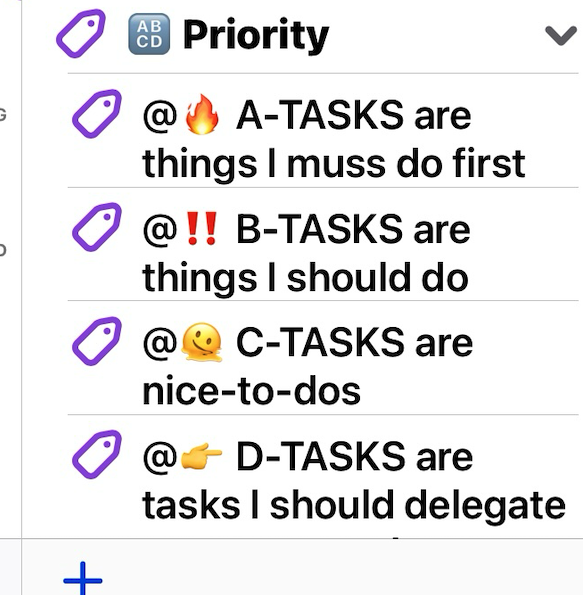
Both macOS and iOS display a “+” sign in the bottom left corner when the tag sidebar is enabled and displayed. Clicking + with the mouse or finger adds a new tag.
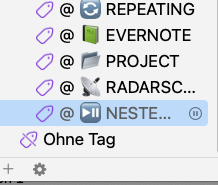
Mac OS

IOS
