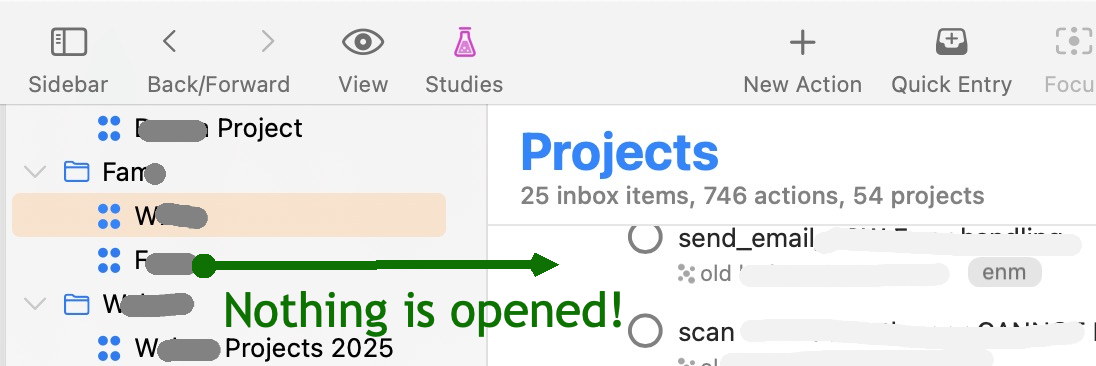
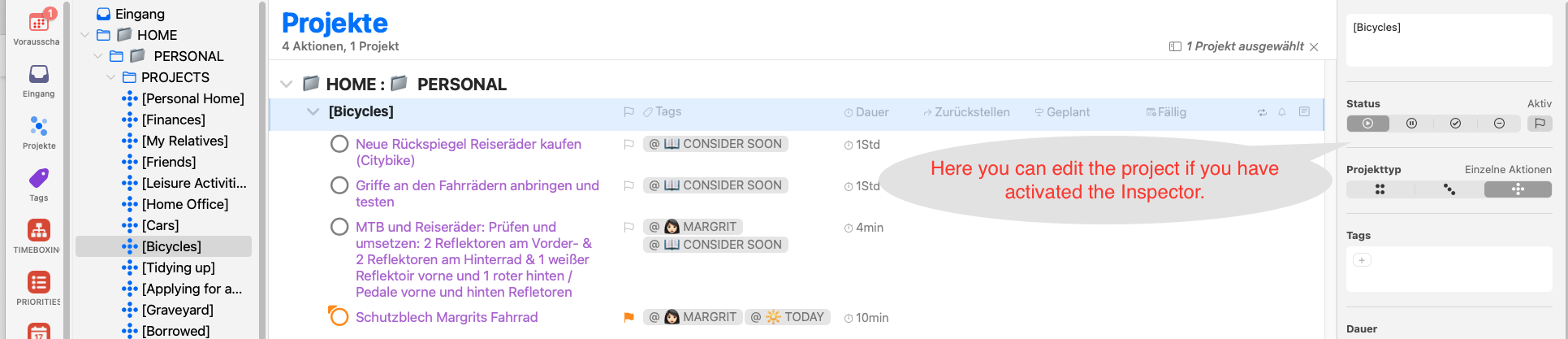
As a long-time user, I have never noticed the behavior of Omnifocus that you describe. Attached is a current screenshot of my Omnifocus. Could it be that you have not activated the Inspector (on the right in the screenshot) (a symbol in the form of a small I in a circle in the toolbar) and that is why neither projects nor tasks open?
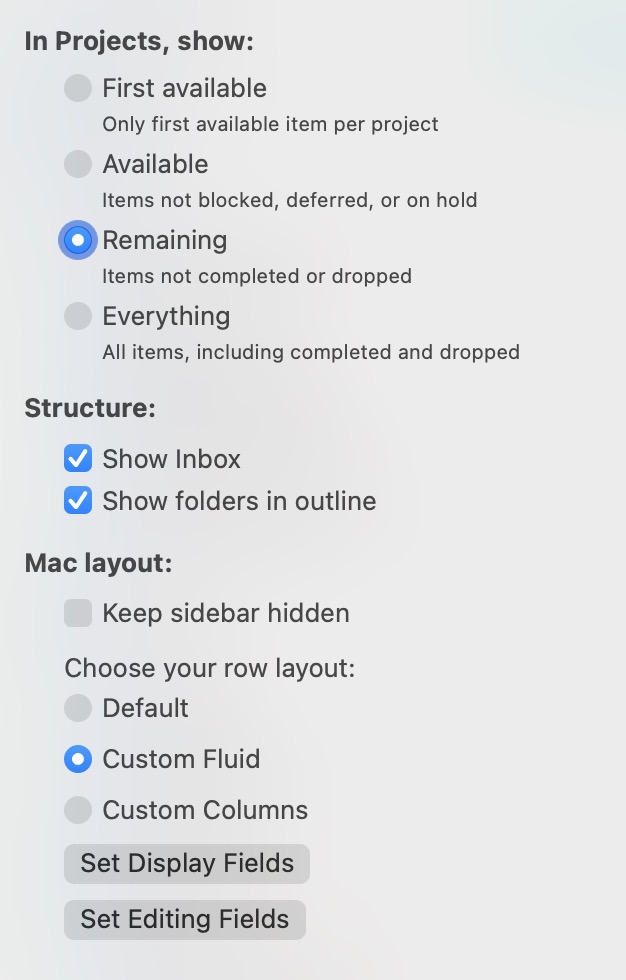
Something like this happens to me regularly when I have a project selected in the sidebar, in the main window create or paste a project. I have folders set to display in the main window. Then there will be more than one version of that folder showing, one containing the first project, and one containing the next. There may be more complicating factors to it. I haven’t bothered to nail it down or file a bug report.
This could be the reason, but let the experts comment (customer department?)
Maybe the reason why I could not access the content of my projects is somehow similar, as I usually have open 7 perspectives at the same time (yes it’s too many and I can’t look at all of them most of the time!).
As mentioned above, a simple app restart helped!