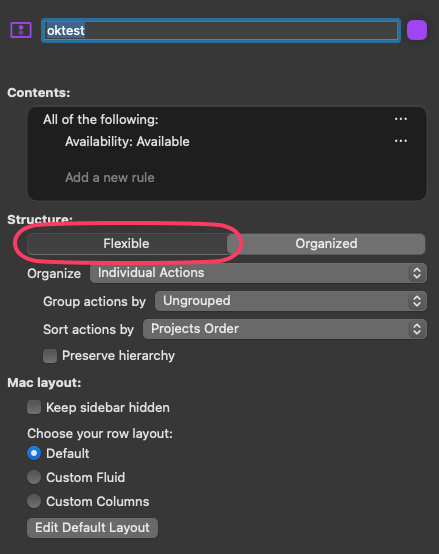
“Search Here” is broken for me, too. But in some perspectives only and unrelated to “Organize = Entire Project”. I’m on OF 4.8.3 Pro.
Observed behavior: I type a string in the search bar, select “Search here” and hit return. No change to the outline. Only visible change: the stats string changes from, e.g., “3 inbox items, 21 actions, 15 projects” to “21 actions, 15 projects”.
Expected behavior: Outline should be narrowed down to include only actions (and/or projects/folders?) that contain this string.
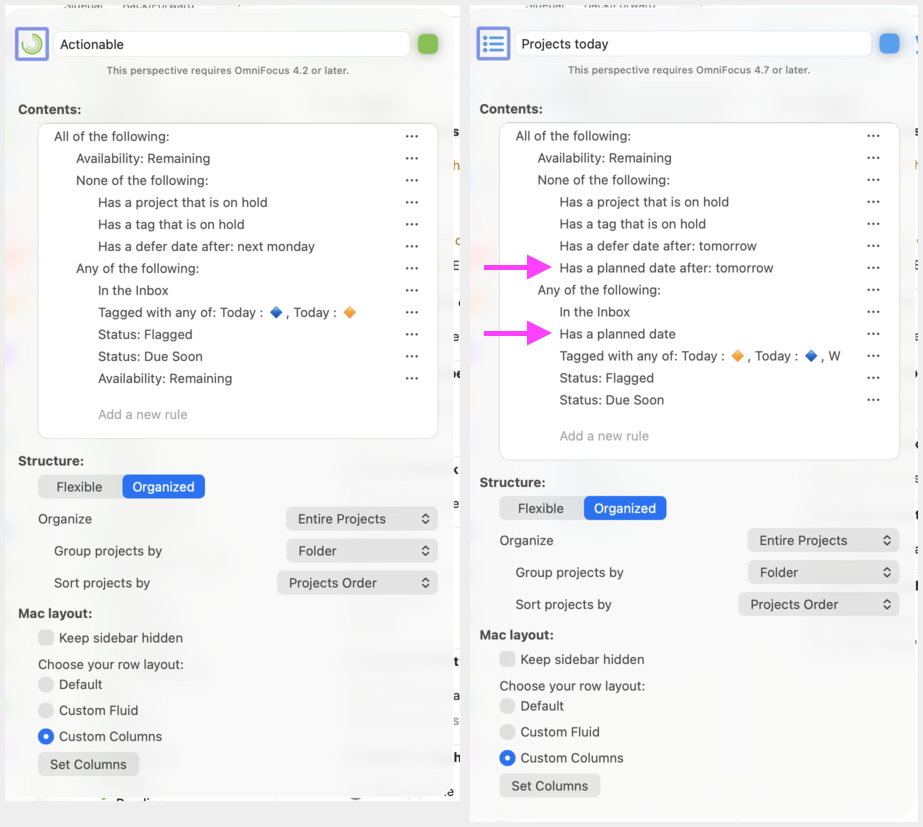
See screens below. The left (green) perspective works (exhibits the expected behavior), the right (blue) perspective does not (exhibits the observed behavior). Note that the only difference is the addition of the two “planned date” rules, see pink arrows. However, if I turn these off (thus making both perspectives seemingly identical) does not result in “Search Here” working in the blue perspective.
Question to the Omni folks, I guess: Any ideas how to debug this?
After further trial-and-error, I realize the green perspective also had “Availability: Remaining” in the “Any” block. The blue does not. If I add this to the blue perspective, then “Search Here” works.
Of course, this defeats the purpose of the blue perspective.
I can’t see anything wrong with the blue perspective logic: Remaining AND NOT On hold AND (Inbox OR Planned OR Today OR Flagged OR Due Soon) seems like a perfectly reasonable perspective to me, so I would call this a bug.
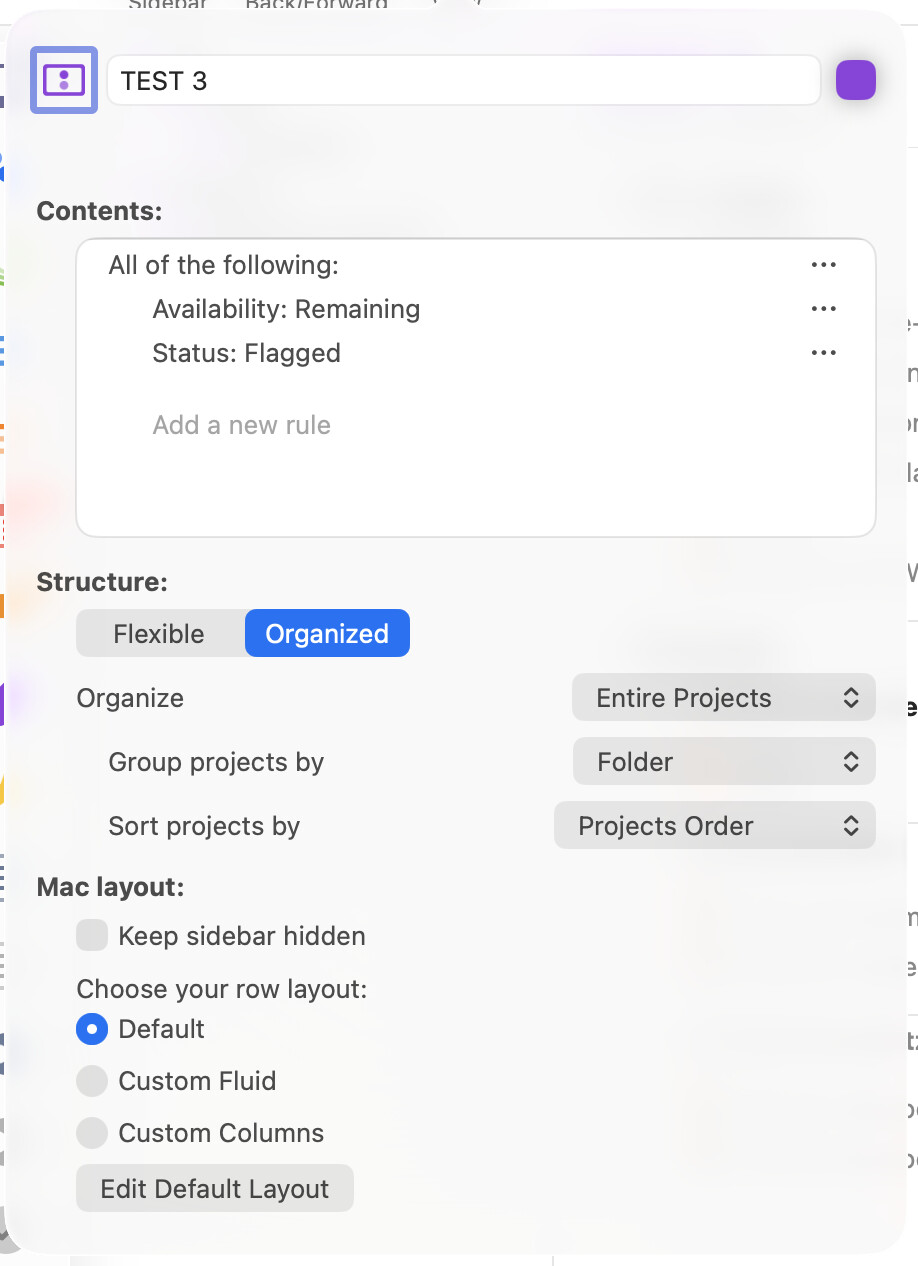
Update 2: even simpler, just adding “Status: Due Soon” (or Flagged) to “Remaining” already breaks the “Search Here” functionality for me.
I doesn’t fell like the “Status” condition is the culprit, though, as other conditions break search, too. Just throwing this out here as a minimal test.
Thanks for sharing this screenshot. I was able to reproduce the problem by setting up a new perspective with those Contents and Structure settings and using Search Here to search for something that didn’t exist.