Hello,
I’ve been using Omnifocus for a couple of months now and loving it!
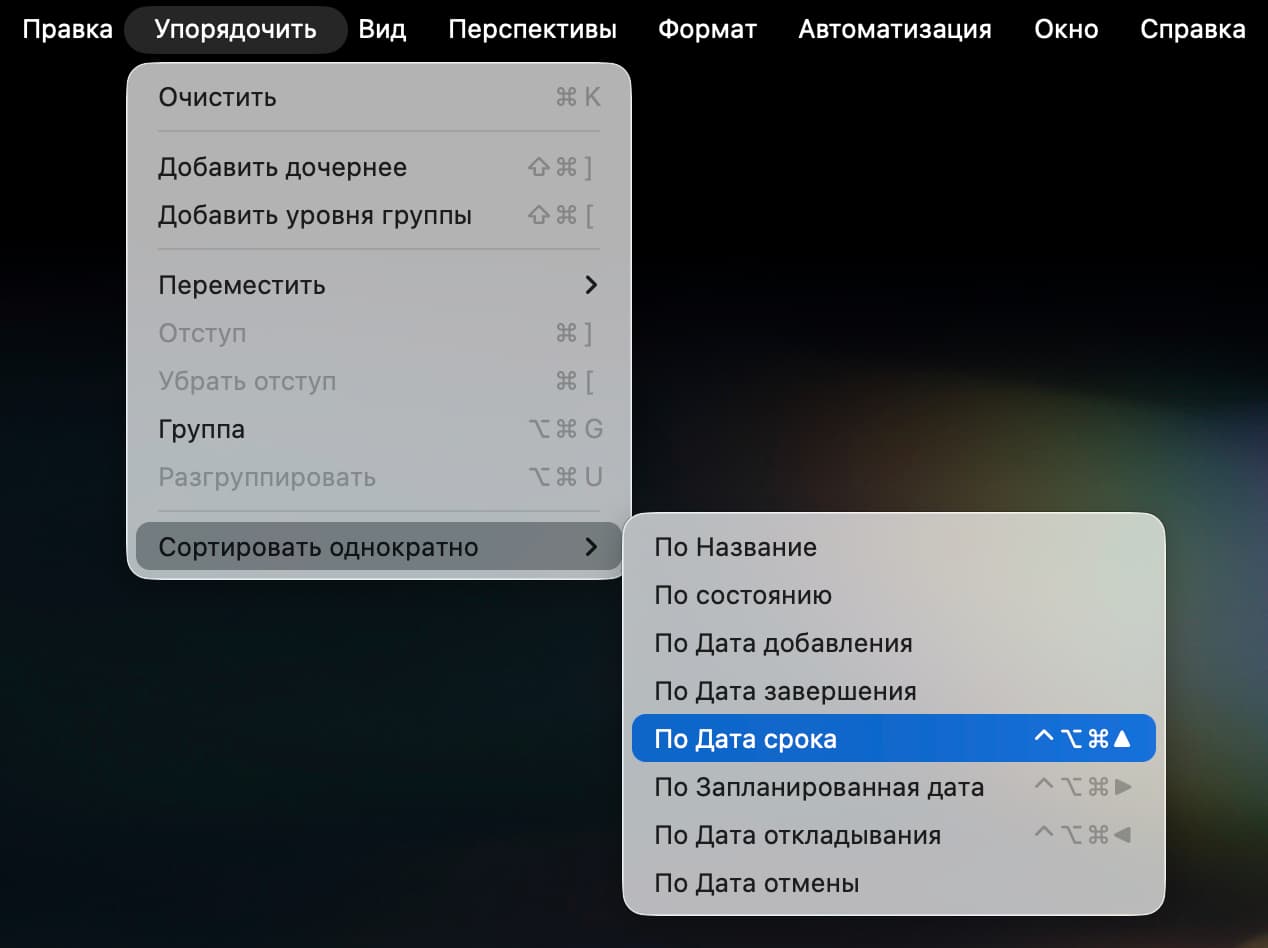
One thing that I find myself doing repeatedly is sorting tasks inside a project. I think through the list of things I need for that project, assign planned dates and some due dates. And then I sort once by Planned Date and then Sort again by Due Date. This allows for the tasks that need to get done sooner rather than later to show up at the top of the project list.
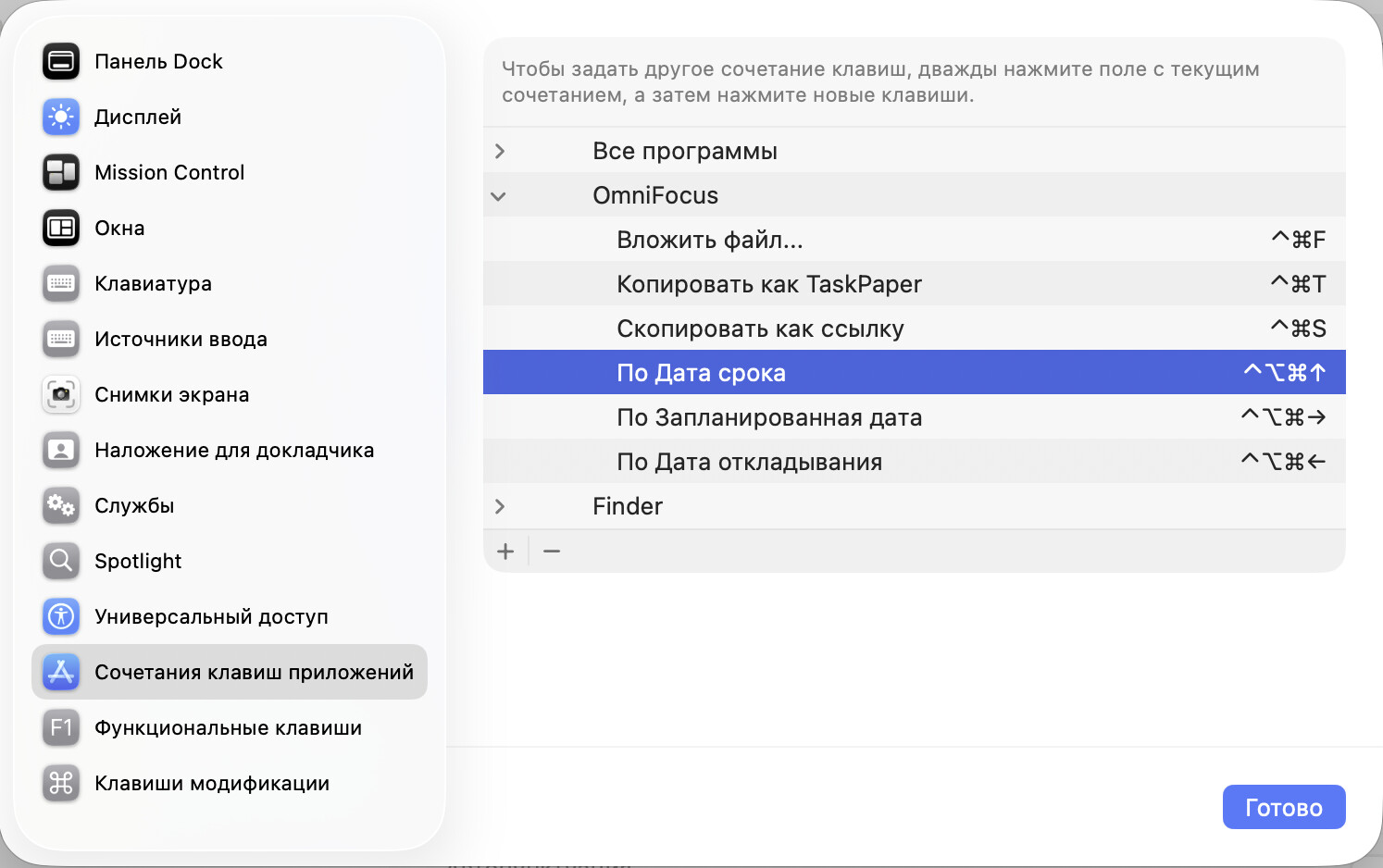
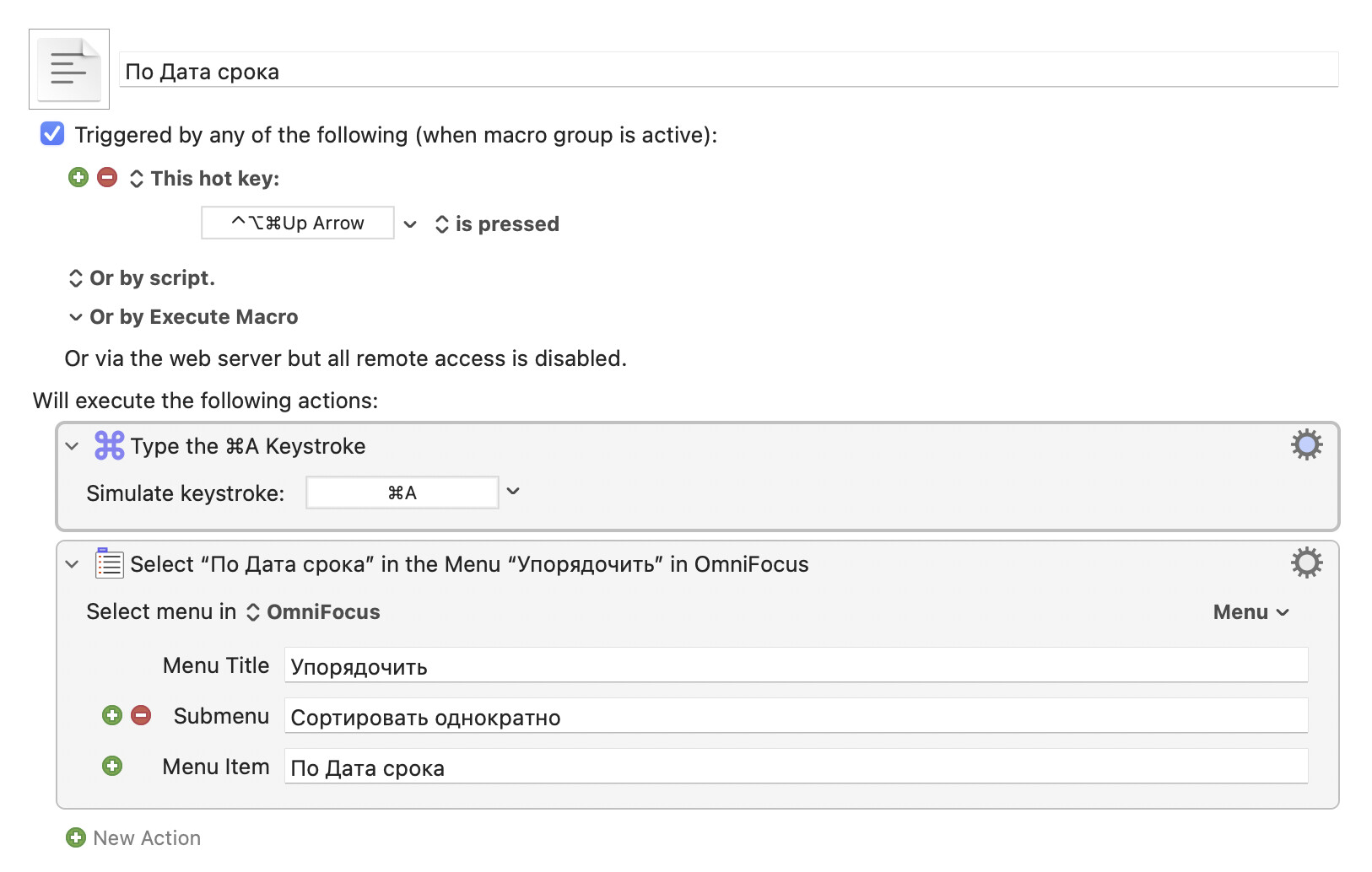
With that preamble, the question I had was whether there was a keyboard shortcut for both these actions? I am also a new user of Keyboard Maestro but am struggling to find the appropriate way to add a macro that would first sort by planned date and then by due date.
I will appreciate any help.
Thanks