Do you have any projects that have stalled out? Could you use some prompts to help break them down into smaller pieces? Now in TestFlight, on devices running OS 26 with hardware support for Apple Intelligence, OmniFocus plug-ins can consult Apple’s new on-device Foundation Models. These AI models are built into your device, so you’re not sending any data to any other systems, nor are you using any expensive outside resources—you’re just using more capabilities of the device that’s already at your fingertips.
Plug-in authors can integrate the language models with your OmniFocus data in all sorts of creative ways. For example, you can install the Help Me Plan plug-in to suggest steps that break down selected tasks into smaller tasks. Or you can install the Help Me Estimate plug-in to add estimates to selected tasks.
Whether or not to use these AI models is completely up to you. They’re not perfect oracles by any means. But sometimes even a bad suggestion can help you overcome a mental block in planning a project, so you can move forward again.
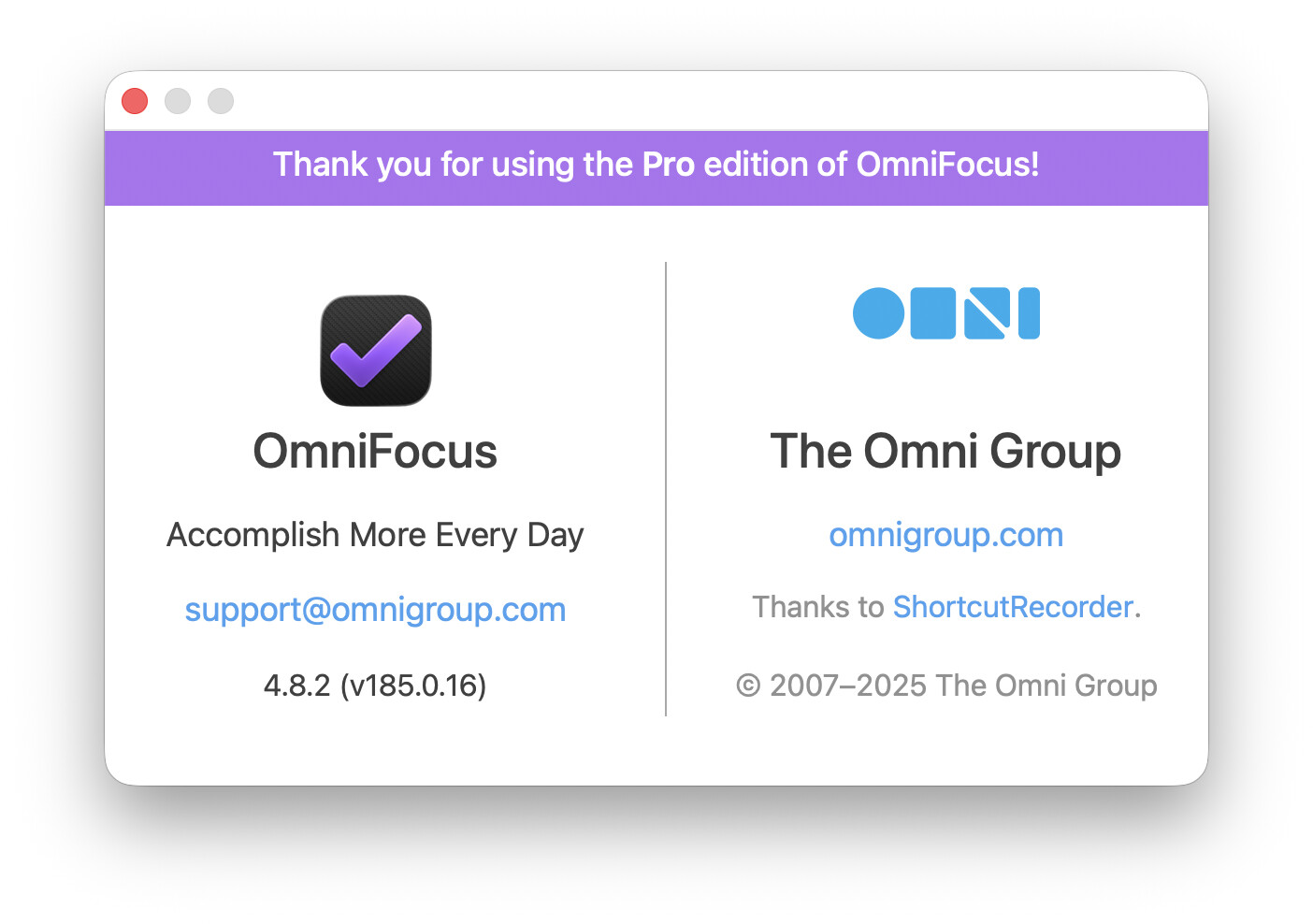
I’ve got my trusty old MacBook Pro M1 running MacOS 26.0 along with OmniFocus TestFlight 4.8.2 (v185.0.16). I installed the “Help Me Plan” plug-in into my iCloud Drive.
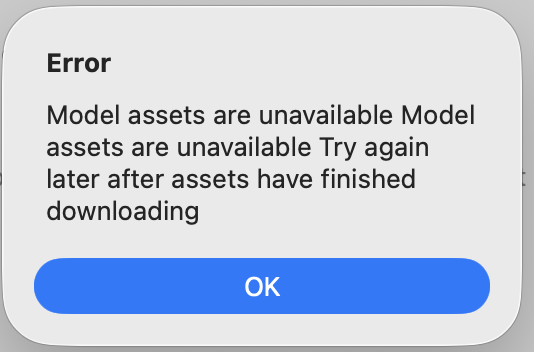
I got it working on my iPad Air with iPadOS 26. But I can’t get the “Help Me Plan” plug-in to work on my Mac. I get this error:
yeah, you’re right… TestFlight shows 184.0.730 instead of 185.0.16
oh I think it switched to the official release and installed that version instead of the TestFlight version.
I think when an official release comes out, it’ll be newer than the TestFlight version. I’m fairly sure that there will be a new TestFlight that will surpass the official release in the next few days.
Ahhh… The TestFlight versions will have that “Check for Updates” banner at the top of the OmniFocus window. The official releases won’t have that occupying space in the window.
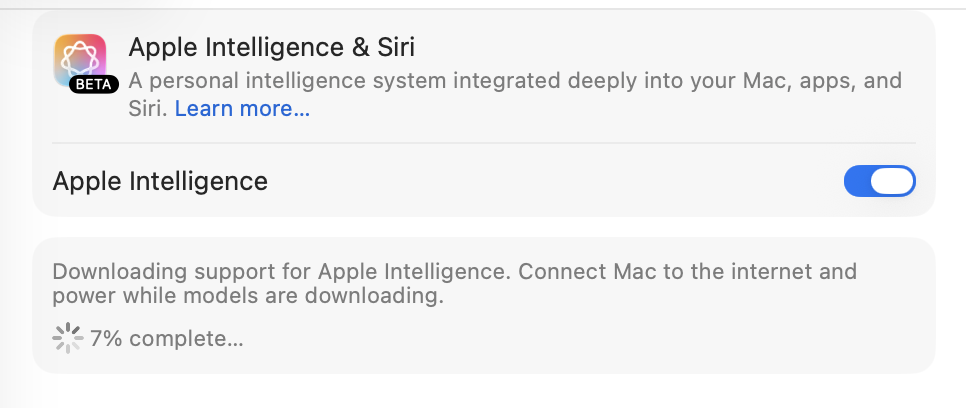
That error is coming from the Apple Intelligence Foundation Models framework. Open Apple Menu > System Settings… and check the Apple Intelligence & Siri settings?
According to Apple’s support article:
After you update your software, on-device Apple Intelligence models will start downloading; time to download varies. For the fastest model download experience, keep your device connected to Wi-Fi and power while models are downloading.
Aha! Thanks… I had Apple Intelligence turned on but couldn’t figure out how to download the assets. I guess my MBP was taking its sweet time downloading…