I was using OmniOutliner 5 a few years ago, but then replaced it with Markdown notes. Yesterday I saw the podcast about OO6 and must say I’m intrigued by the OmniFocus links into the outline.
But already the simplest of tasks I have does not work. Sharing an part of the Outline with Omnifocus…
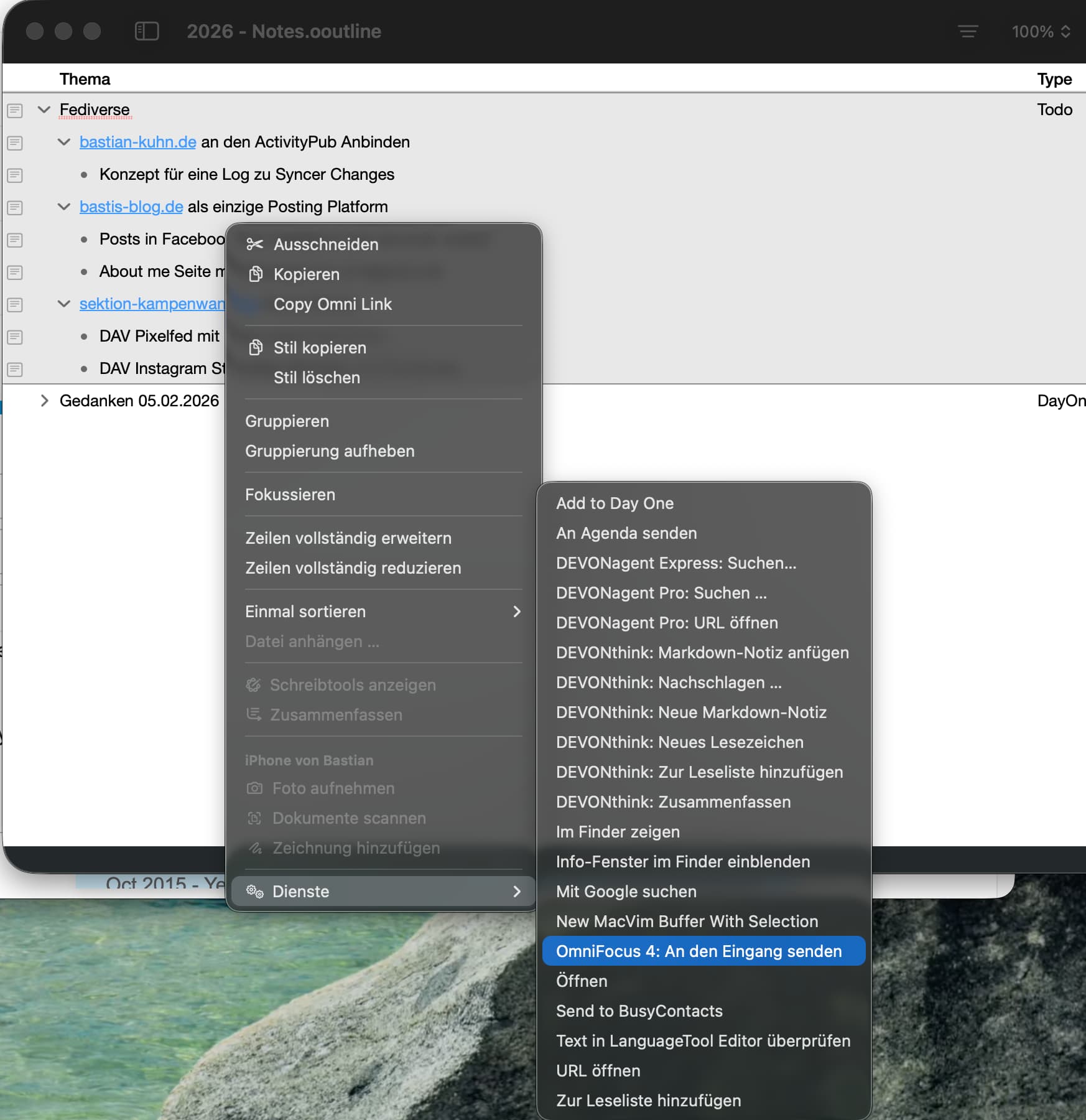
When I select the outline, right click, and share to OmniFocus, I get an empty quick entry:
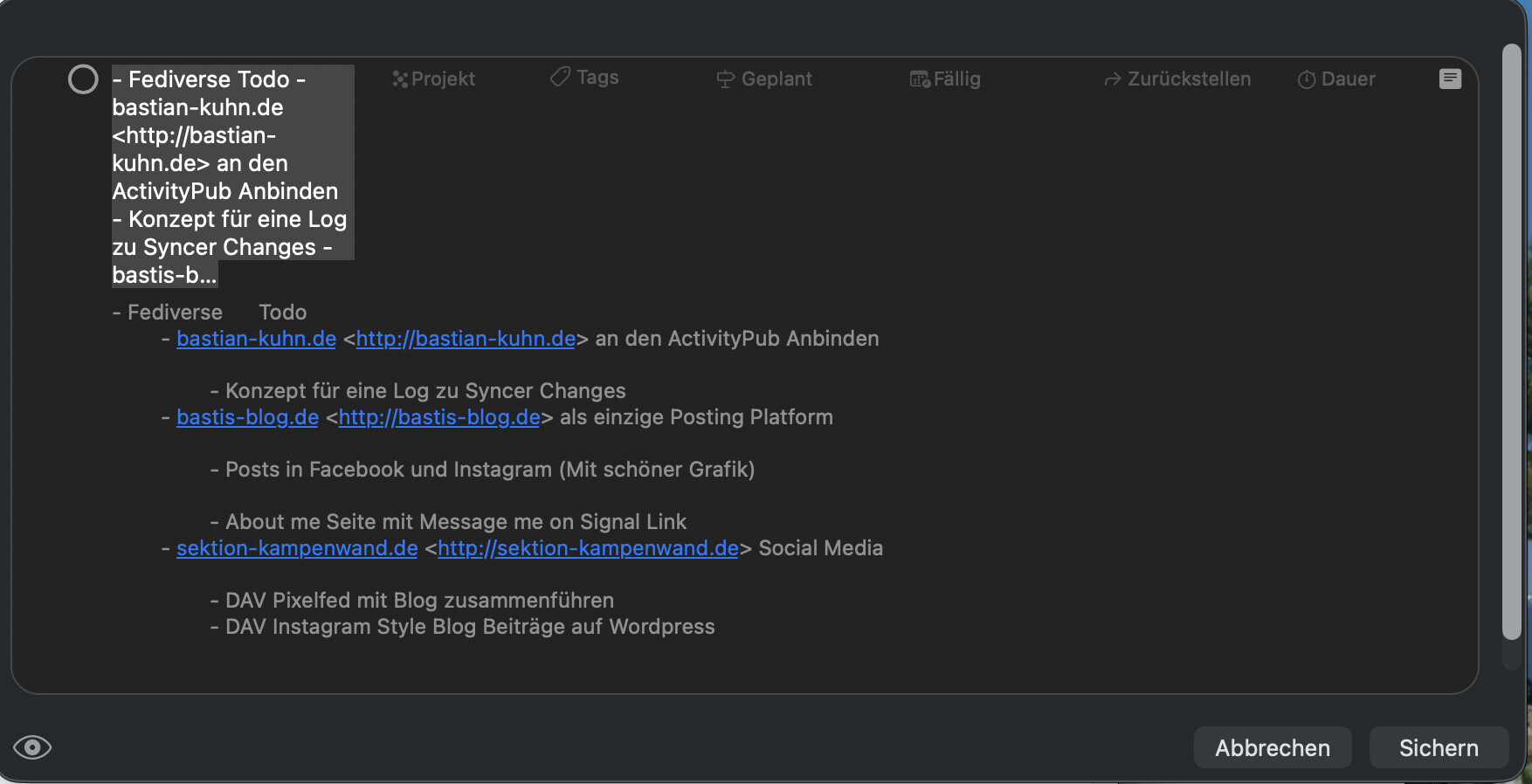
If I use the Share from the Menu Bar, I get this:
When I copy and Paste into the OF Inbox, it works…
But why can’t I just share the outline into a project structure in OmniFocus? I found a plugin that can share to OmniFocus, but the plugin uses the whole outline and not just the selected one.
I would like a keep-it simple solution that won’t need a plugin for testing. Later on, if I stay with OO, I’m thinking about writing a plugin that does that for every group with Type Todo and then marks a checkbox that it’s exported. So that I can just trigger it all the time. That should be possible, right?
