Hello folks 👋🏻,
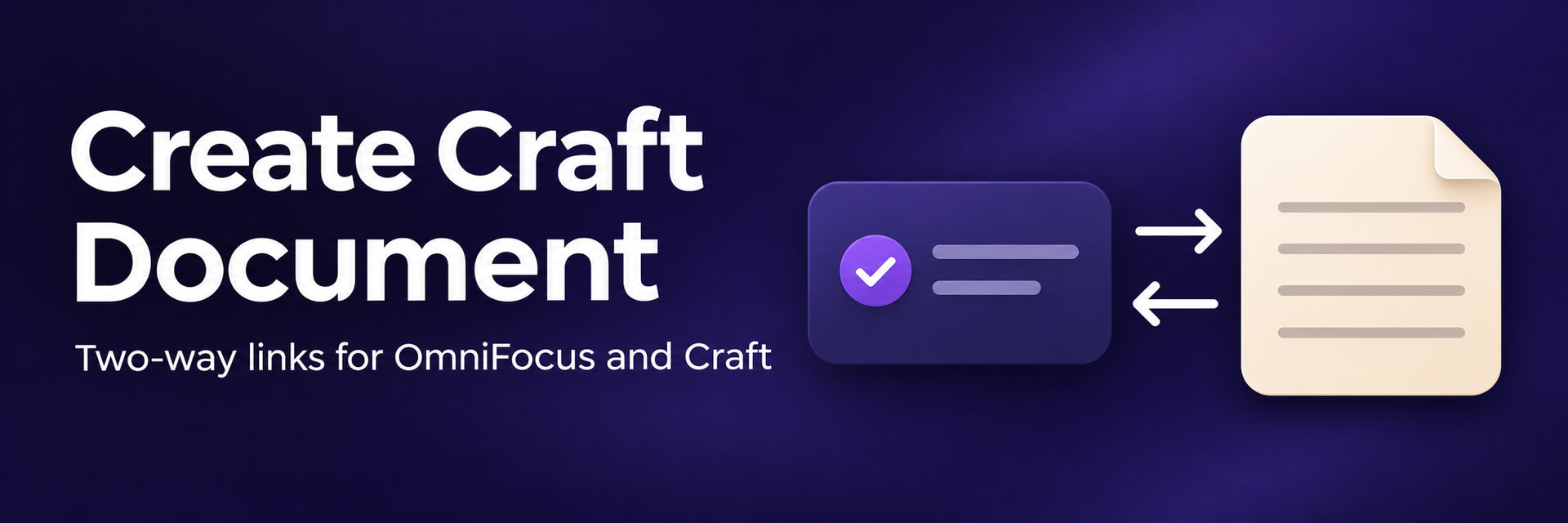
I use OmniFocus to manage projects and actions, and Craft to keep the notes that support them. I’m sharing Create Craft Document, a small Omni Automation plug-in that lets me move between an OmniFocus item and its supporting document in either direction.
Select a task, action group or project, then choose Automation → Create Craft Document. The plug-in creates a Craft document with the same title and places an Open in OmniFocus link on its first line. It also appends an Open in Craft link to the note associated with the OmniFocus item.
For example, running the plug-in on a project called Plan next trip to China creates a Craft document of the same name. I can open my travel notes from the project, then return to that exact project when I’m ready to add new actions.
Folders and tags are also supported. Selecting either creates a Craft document with a link back to the selected folder or tag.
Installation and setup
-
Open the attached
Create-Craft-Document.omnifocusjsfile in OmniFocus and choose Install. -
Select one item and run Create Craft Document from the Automation menu.
-
On the first run, paste a deeplink from any document in your preferred Craft space, or enter the Space ID directly. The plug-in remembers your choice.
Each run creates a new document at the top level of the chosen Craft space. To revisit a document you’ve already created for a task or project, use Open in Craft in its note.
I’d welcome feedback from others who use OmniFocus and Craft together.
Create-Craft-Document.omnifocusjs (4.0 KB)
Matthew
