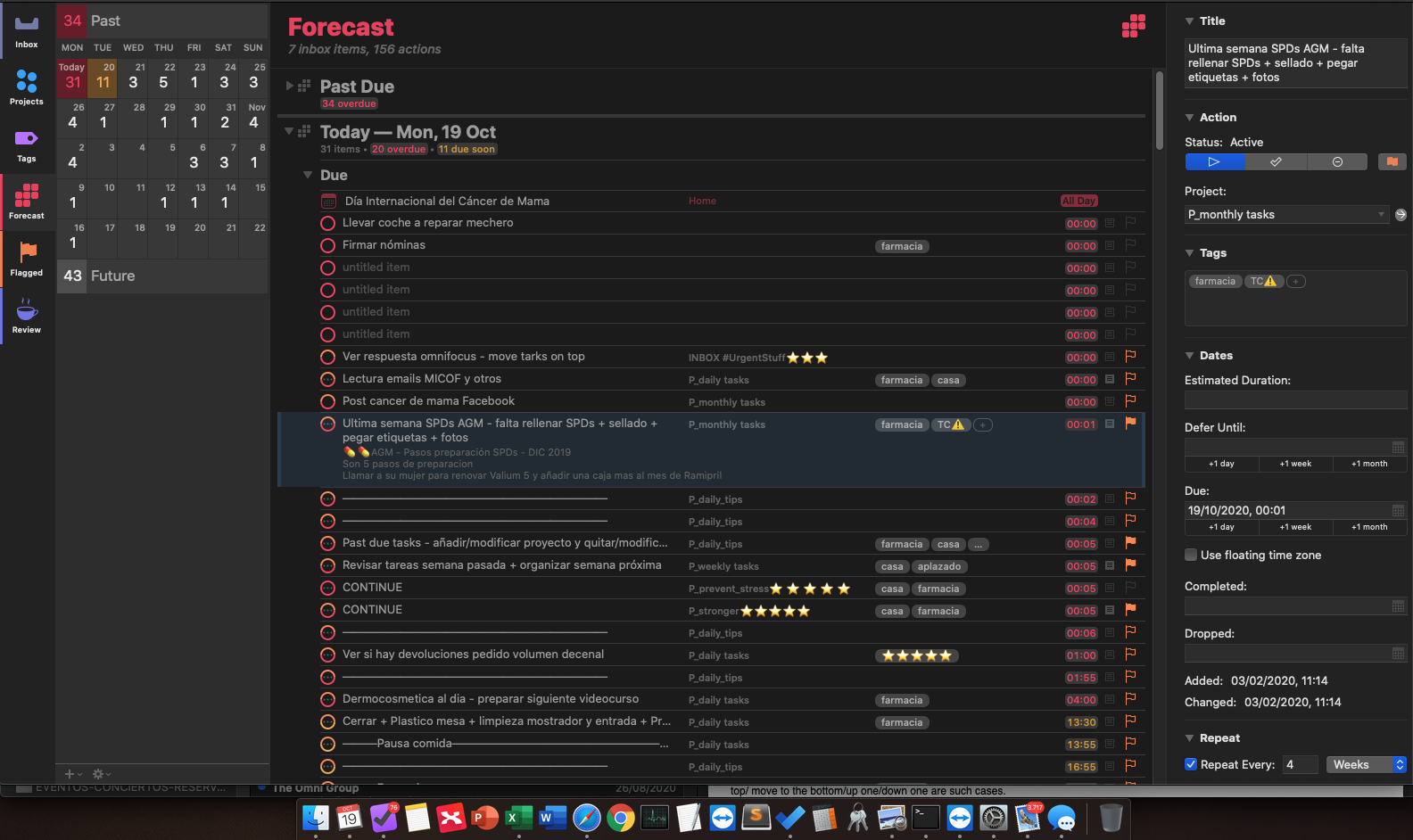
I would like to know how to put on top a task in a certain day. I’m currently doing this using Due date method, but I arrived to the limit since I have many tasks with 00:00 Due date.
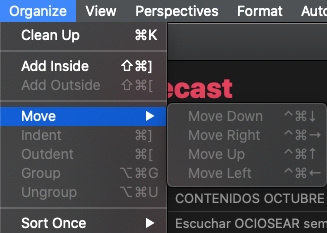
Seems there’s already a post on this topic but I can’t get this mentioned menu active (see attached image).
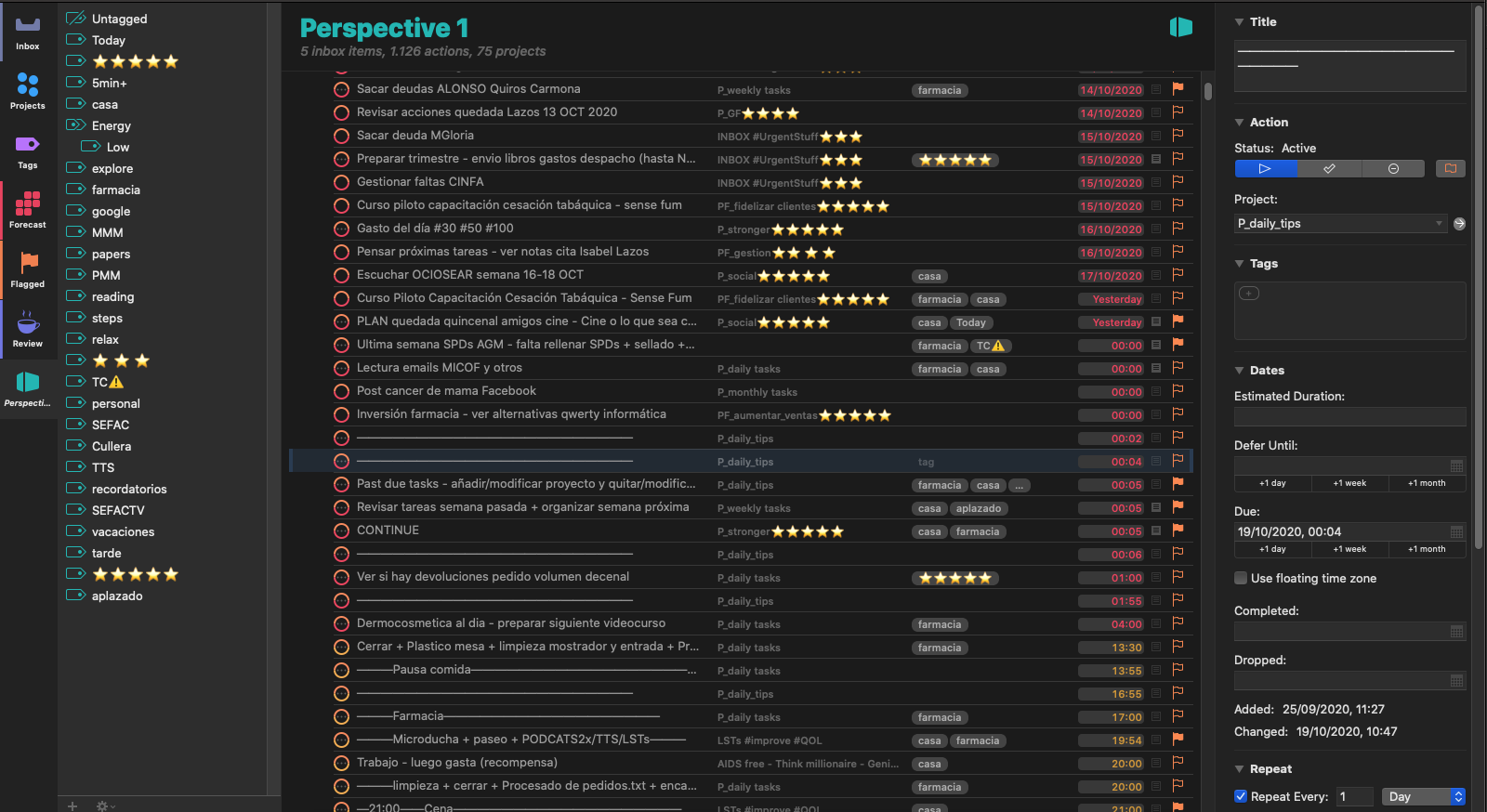
To sort your tasks manually, in your Perspective settings, please try adjusting the ‘Presentation:’ - ‘Group and Sort’ dropdown to be “Entire Projects”.
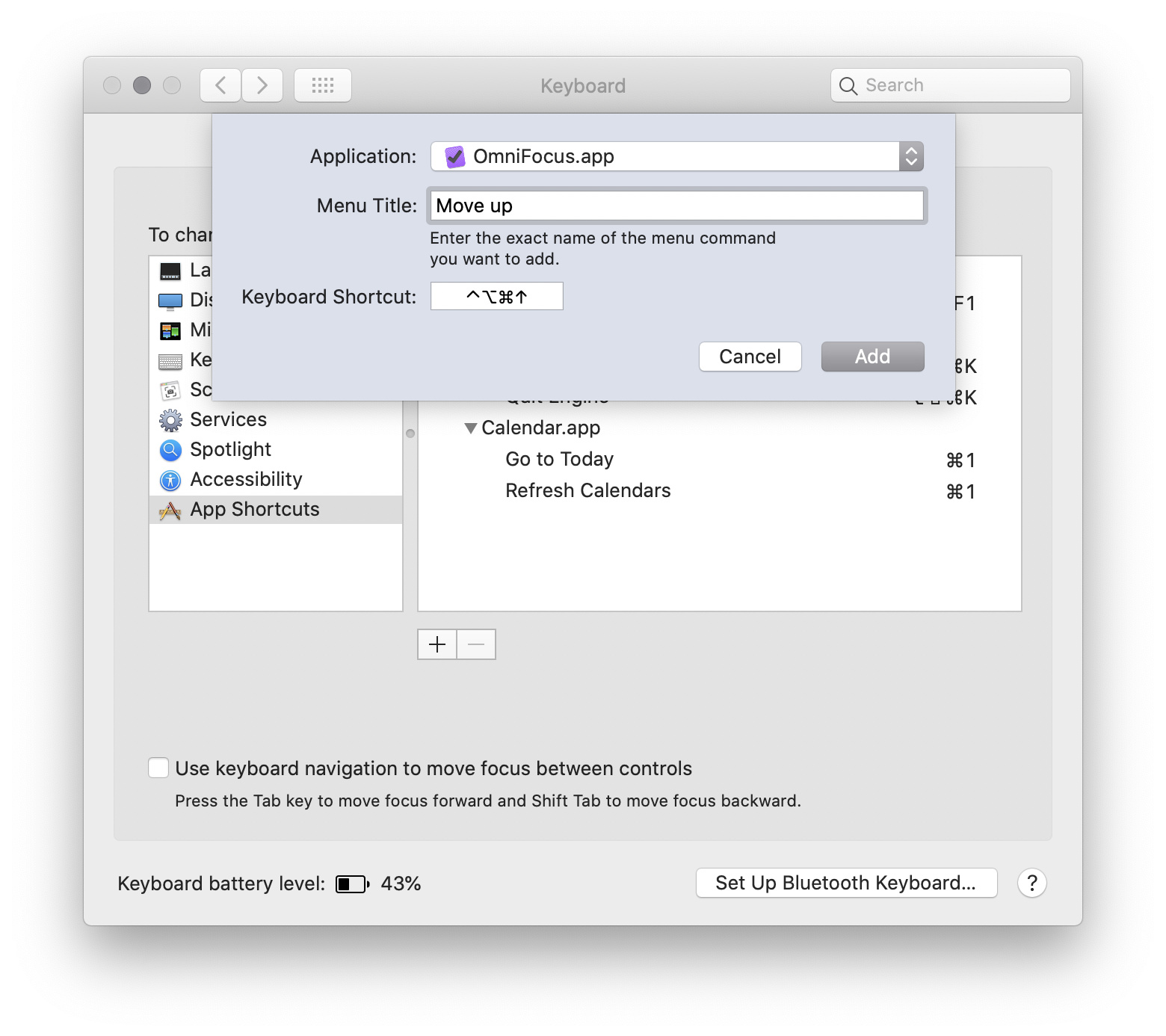
I can reorder tasks by dragging them. It would be nice to use a key combo instead - for the few cases where it’s meaningful. Move to the top/ move to the bottom/up one/down one are such cases.
To move tasks upwards and downwards, you could use the built-in keyboard commands in the Organize menu (as shown above in this thread). You could also, more unexpected and still undocumented as far as I know, use the keys u and d. There are also some other single-key shortcuts in Omnifocus:
I think Perspectives would serve you good, as it looks like you have way more tasks scheduled for today than you will have a chance to execute. Then you could save the Forecast for tasks that are truly due – that have to be done today to avoid consequences.
As the Forecast view currently only can be sorted by date (and time), the only way to reorder tasks there is, as you have tried, to change the due date or due time. The exception is the optional part of the Forecast view with a Forecast tag. There the tasks may be reordered manually, by dragging or by using the keyboard commands.
Select the task you want to move and run your new Macro. If will evaluate if your view supports moving tasks. If your view does not support moving tasks, it will prompt you and help you change your view, and then it will move your task. If your task happens to be in the Inbox, the Macro will switch you to Inbox view and end. Someone could theoretically add another Applescript to handle the tasks determined to be in the Inbox.
I experience something weird when manually reordering task in the Forecast View with a Forecast Tag. When I drag a task to the last position in the list, it flips to the first position. This happens also in Omnifocus on iOS. It’s something that happens for long time now, I suspect this is a bug? Also, when using keyboard-commands to arrange the tasks, the same strange thing occurs.