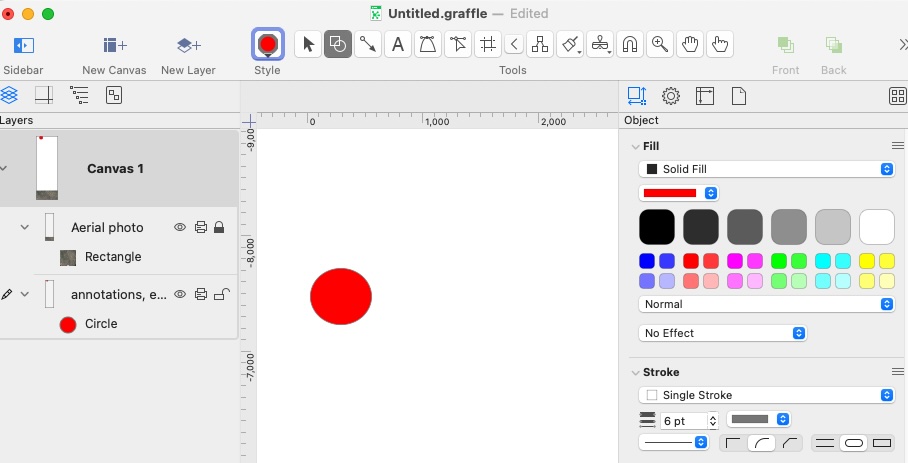
Using the Shape Tool, I created a circle with a red fill. (After creating it, it is not selected as per the app’s behavior.)
-
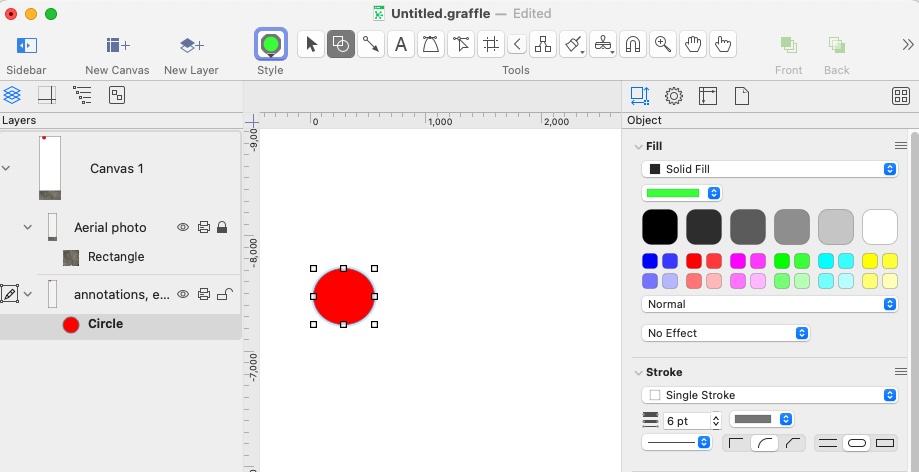
If I then select the circle in the Layers sidebar (the object’s bounding / resize small corner rectangles are then visible), when I then choose another fill color from the color palettes or drop down color menu, the fill color of the circle does not change.
-
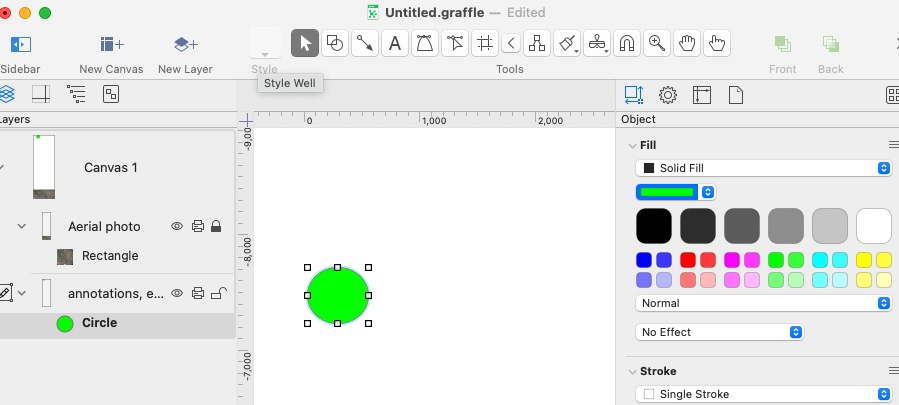
If I (then) click the Selection Tool, the select the circle, changing the fill color works.
Since in situation 1 the circle is (already) selected, I could expect the fill color to apply to it.
I understand that the Selection Tool is used to select object(s), and then the fill color can be changed in the Inspector, but in my thinking, an object is (also?) selected when it is selected in the Layers sidebar.
It’s an extra step to have to click the Selection Tool first.
Insights?