I’ve noticed that when I mark a task as completed in Forecast, a new copy of the task with the next scheduled due or deferred date will appear in the view.
Since I’m usually multi-tasking when reviewing Omnifocus, I see the new copy of the task and think “I completed that. Didn’t I just mark that as completed? Maybe not.” and I’ll mark it completed again. And again.
I’ve found a few monthly tasks where I’ve marked the completed 2-3 times so their next scheduled time isn’t next month, it’s 3 months from now!
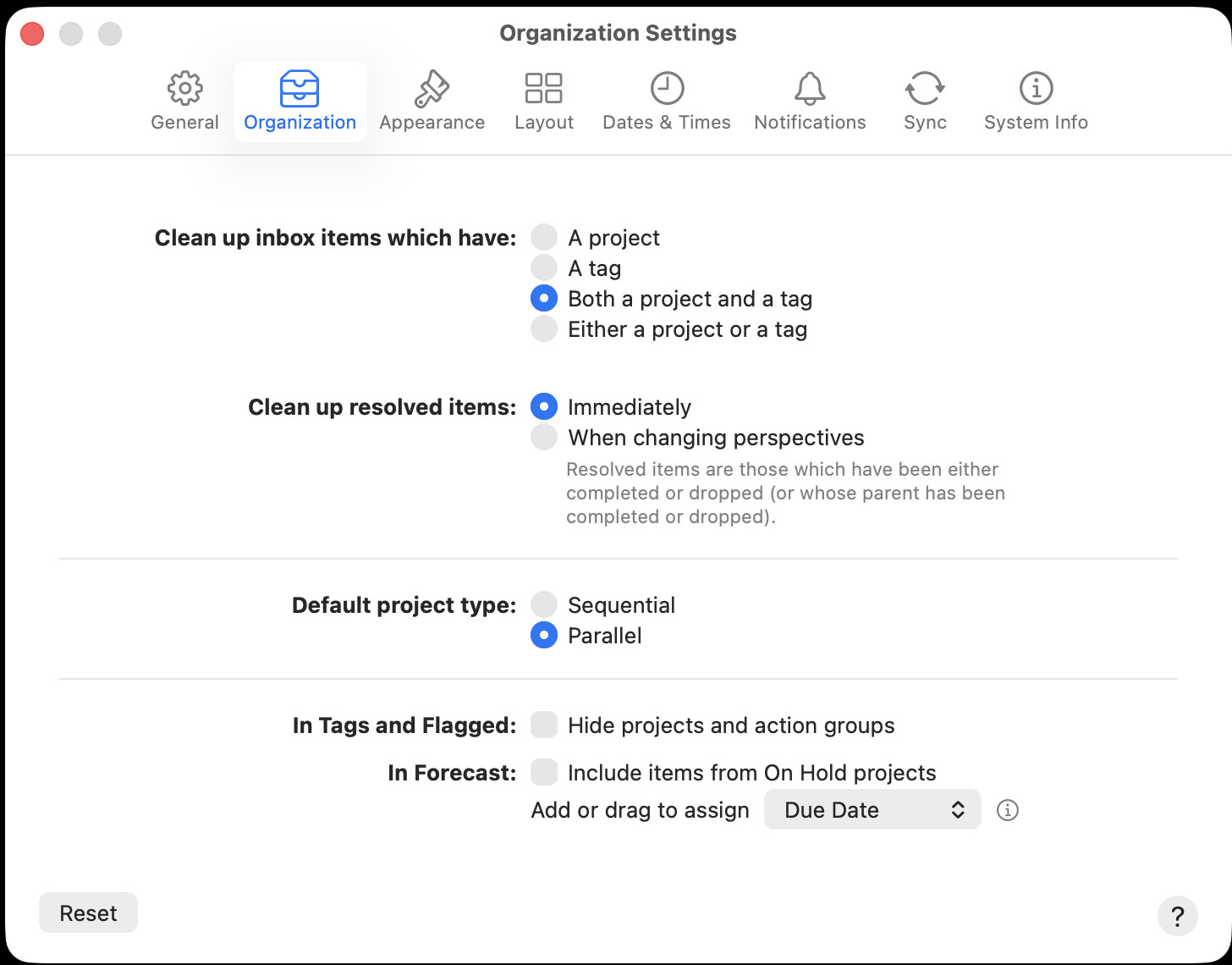
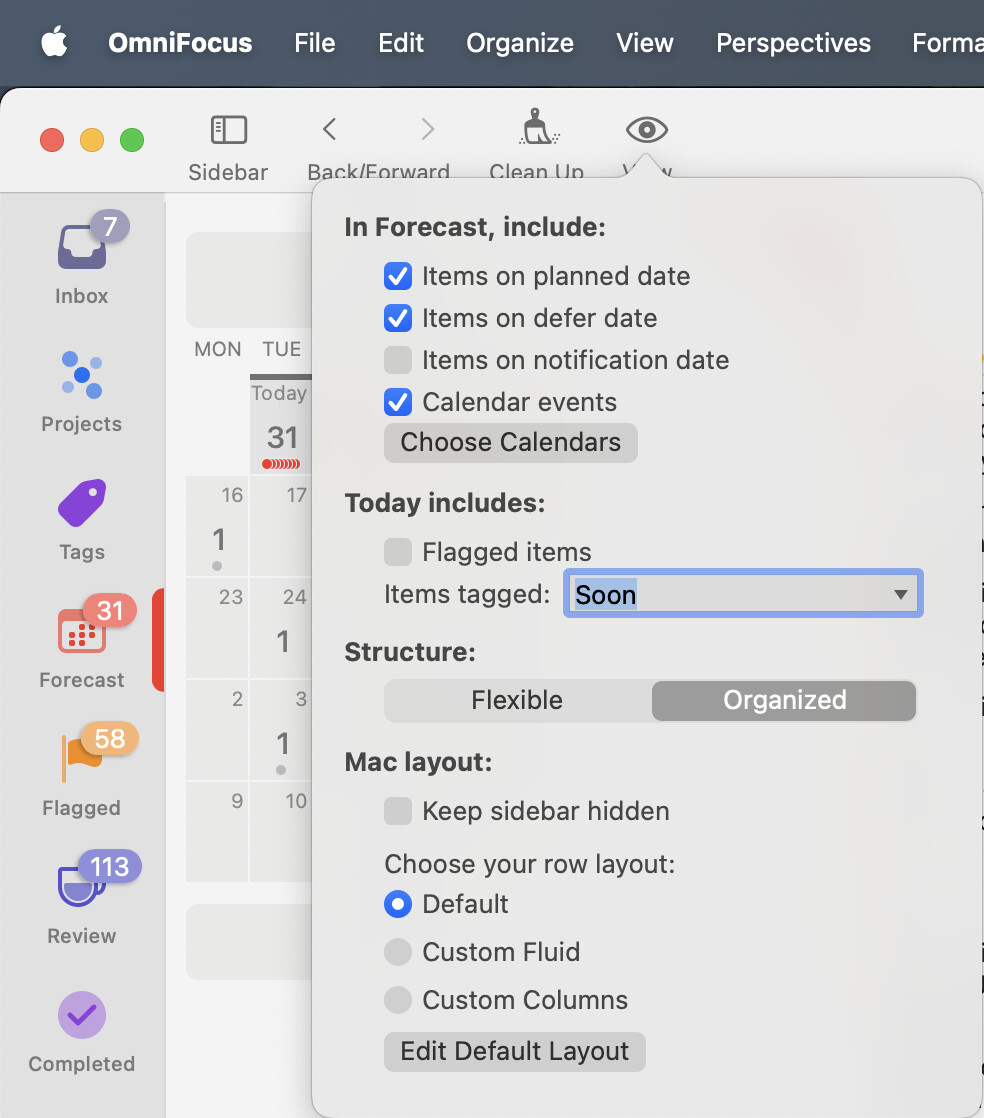
Is there a setting to automatically clean up a task to remove it form a time-filtered view, like Forecast->Today, after marking it as completed?
The behaviour depends on the details of the “repeat” settings for the task (view these in the inspector), specially whether “schedule” is set to “regularly” or “from completion” and your choices for “based on” and “catch up automatically”. Experiment to see the effects of changes to these but it sounds as if you may want “schedule” set to “on completion”, “based on” set to “defer date” and possibly also “catch up automatically” checked depending on your preference
The other part is that Forecast view only displays dates if there is a due date. It doesn’t display the deferred date. If I’m on my computer, I can click on the action and the side bar will show the deferred date. On my mobile device ( iPhone ) I have to long press and choose inspect from the menu.
Is there a way to have the defer date of an action be displayed in the same manner as the due date?
I have this set to “Either…” and “Immediately” but that does not happen except after a delay, or by switching view and back, or by immediately clicking “Clean Up”, so I now habitually click that button after completing anything that repeats.